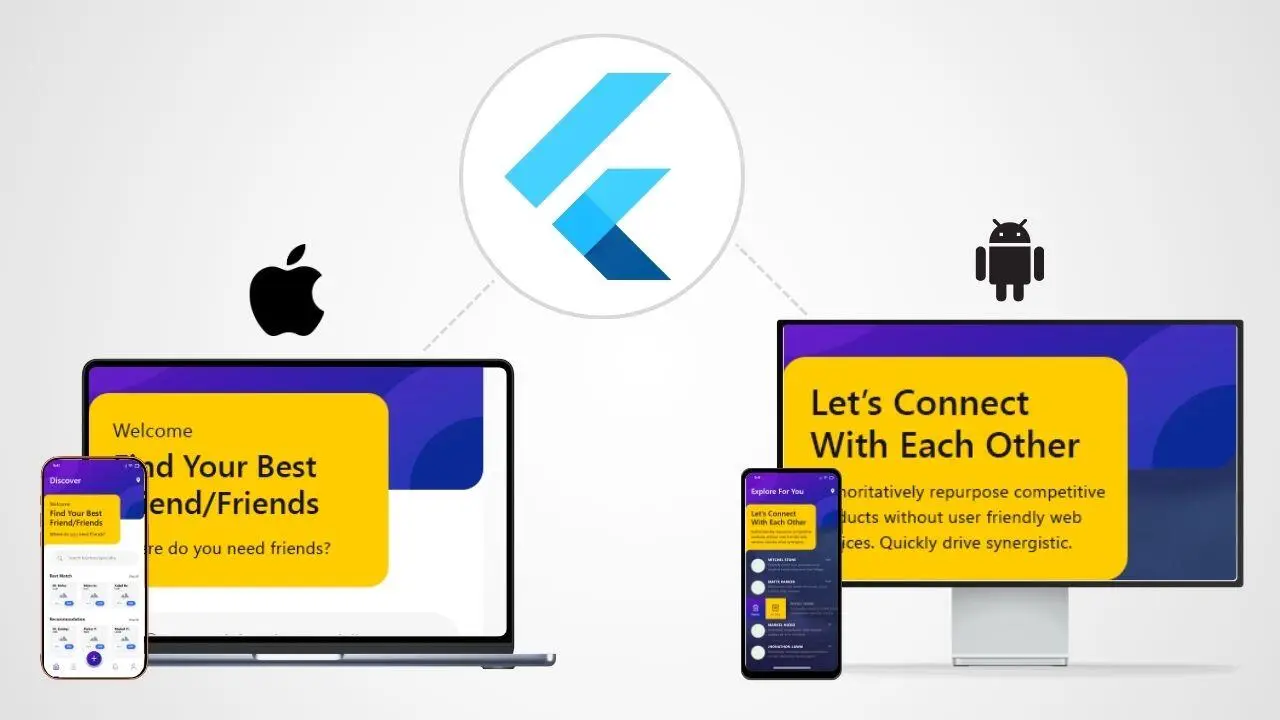
Most business apps don’t fail because the idea was wrong. They fail because delivery becomes slow, fragmented, and expensive across platforms. Flutter is popular in 2026 because it’s built to ship iOS + Android (and optionally web/desktop) from one codebase—without sacrificing a “real app” feel.
TL;DR (for CTOs)
- Futter is a cross-platform UI toolkit designed for code reuse across iOS, Android, web, and desktop—while still integrating with platform services.
- In production, Flutter apps compile directly to machine code (mobile) and to JavaScript for web targets, which helps with performance and predictability.
- Impeller (Flutter’s newer renderer) is default on iOS and Android API 29+ and is designed for more predictable performance by compiling shaders offline.
- Flutter is a great fit for MVPs, internal tools, SaaS companion apps, marketplaces, and product teams that want one delivery pipeline.
What is Flutter?
Flutter is a cross-platform toolkit that lets teams build apps with a shared codebase across operating systems while still interfacing with the underlying platform when needed.
How it runs (important for business decision-makers):
- During development, Flutter runs in a VM to support stateful hot reload (fast iteration).
- For release, Flutter compiles to native machine code on mobile (and packages into standard app builds).

Why businesses choose Flutter in 2026
1) One team, one roadmap, one release rhythm
If your product needs iOS + Android, Flutter reduces the “two platforms, two schedules” problem:
- shared feature development
- shared QA effort
- shared release processes
- fewer duplicated bugs
2) Consistent UI and faster design-to-dev handoff
Flutter provides its own widget system (Material + Cupertino), rendered by Flutter rather than using OS-native widgets. That consistency makes it easier to implement a single design system across platforms.
3) Predictable performance improvements (Impeller default)
Impeller is now the default renderer for iOS and Android API 29+ and is built for predictable performance by compiling shaders offline and setting up graphics pipelines upfront.
4) You can still access native capabilities when needed
Flutter apps are designed to interface with platform services, and you can integrate with native code where your roadmap demands it (payments, camera, Bluetooth, etc.).
Where Flutter fits best (real business app scenarios)
A) MVPs and fast-moving product teams
If your goal is “ship something real, learn fast, iterate weekly,” Flutter’s single codebase and hot reload workflow are strong advantages.
B) SaaS companion apps
For SaaS platforms that need:
- onboarding + account management
- notifications
- approvals / workflows
- dashboards
Flutter is a natural choice because the mobile app is an extension of a web/backend product.
C) Internal business apps
Operations apps (field teams, audits, checklists, inventory, HR workflows) typically benefit the most because the requirement is speed + stability, not “platform-specific magic.”
D) Consumer apps with a strong design system
If your product relies on consistent branding and UI patterns across devices, Flutter’s approach (controlling the UI rendering) can help reduce platform drift.
When Flutter is NOT the best choice
Flutter isn’t a default answer for every product. You may prefer alternatives when:
- Your app needs very deep OS-specific UI conventions or heavy platform-native UX patterns
- You rely on niche third-party SDKs that are weak in Flutter/plugin support (and you can’t afford native work)
- Your org is already heavily invested in React Native or Kotlin/Swift native teams and doesn’t want to introduce Dart
In those cases, your earlier blog (React Native vs Flutter vs Kotlin Multiplatform) becomes the better starting point.
The “single codebase” reality: what you actually share
In real-world Flutter business apps, you typically share:
- UI and navigation
- business logic and state management
- API integrations
- form validation and workflows
- analytics and event tracking
- most test suites
You usually isolate “platform-specific” pieces into small integration layers:
- push notifications config
- deep links and universal links
- payment SDK specifics
- special hardware integrations
A CTO-grade checklist for Flutter success (this is where projects win or lose)
1) Architecture that prevents rework
Use a clean separation:
- UI (screens/widgets)
- state (view models / controllers)
- domain logic (rules, validations, workflows)
- data layer (API + caching)
This reduces feature “spillover,” where one change breaks five screens.
2) Performance guardrails from Sprint 1
Most performance problems are not “Flutter problems.” They’re:
- unnecessary rebuilds
- unoptimised lists
- over-fetching data
- heavy images/animations without profiling
Set a rule: every sprint includes a release-profile pass for the key screens.
3) Release engineering and CI/CD
Flutter makes multi-platform delivery easier—but only if you treat release as a system:
- automated builds
- environment configs (dev/stage/prod)
- store deployment process
- crash reporting and monitoring
4) Security basics (especially for business apps)
If you’re using Firebase, add protections like App Check to reduce abuse of backend resources (using Play Integrity / DeviceCheck / reCAPTCHA as applicable).
A practical 6–8 week delivery plan (typical for a business MVP)
Week 1: Discovery + UI foundation
- confirm app flow, roles, permissions
- design system tokens (spacing, typography, components)
- API contract planning\
Week 2: Core screens + navigation + auth
- login/OTP/SSO options
- core dashboard + primary workflow
Weeks 3–4: Business workflows + backend integration
- real data, edge cases, validations
- offline-first where needed
- analytics events
Week 5: QA hardening + release pipeline
- test plan + device coverage
- CI build + staging distribution
- crash reporting
Weeks 6–8: Polish + store readiness
- App Store / Play Store submission readiness
- accessibility
- performance profiling
How ARIS delivers Flutter apps (offshore, without delivery chaos)
ARIS positions itself as an offshore tech team for web + mobile, and explicitly lists Flutter among its mobile stack capabilities. (rootinfosol.com)
In practice, our Flutter delivery focuses on:
- sprint-based scope control
- QA gates and peer reviews
- predictable releases
- backend readiness (Python/Node + cloud) as part of the same delivery stream (rootinfosol.com)
FAQs
Yes. For release builds, Flutter compiles to machine code on mobile, and the app is packaged into standard mobile binaries.
Yes. As of Flutter 3.27, Impeller is the default renderer for iOS and Android API 29+, and it precompiles shaders offline for more predictable performance.
No. Flutter renders its own widget sets (Material and Cupertino) rather than using platform-native UI widgets.
When the app depends heavily on very specific platform-native UI/SDK requirements and you can’t afford native integrations—or your org is already invested in another ecosystem for long-term hiring and maintenance.